01
Refine, in your own words.
Less redrawing from scratch. Describe what should change and keep building on the design in front of you.
 Upgrade my studio
 Create a design or bring your own. Refine it in your words, turn it into a stencil and print it at the exact size you need.
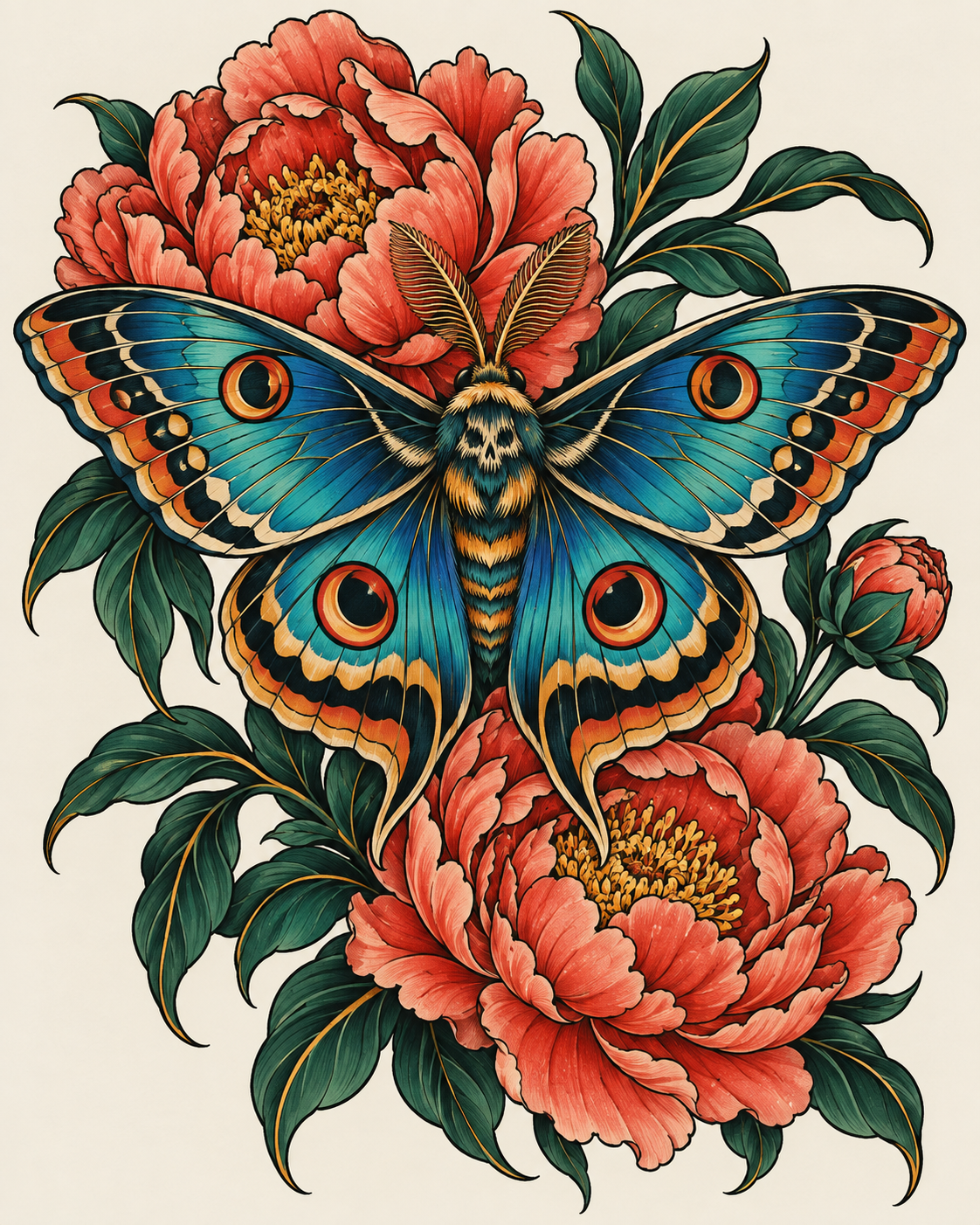
“Keep the moth. Make the peonies smaller.”
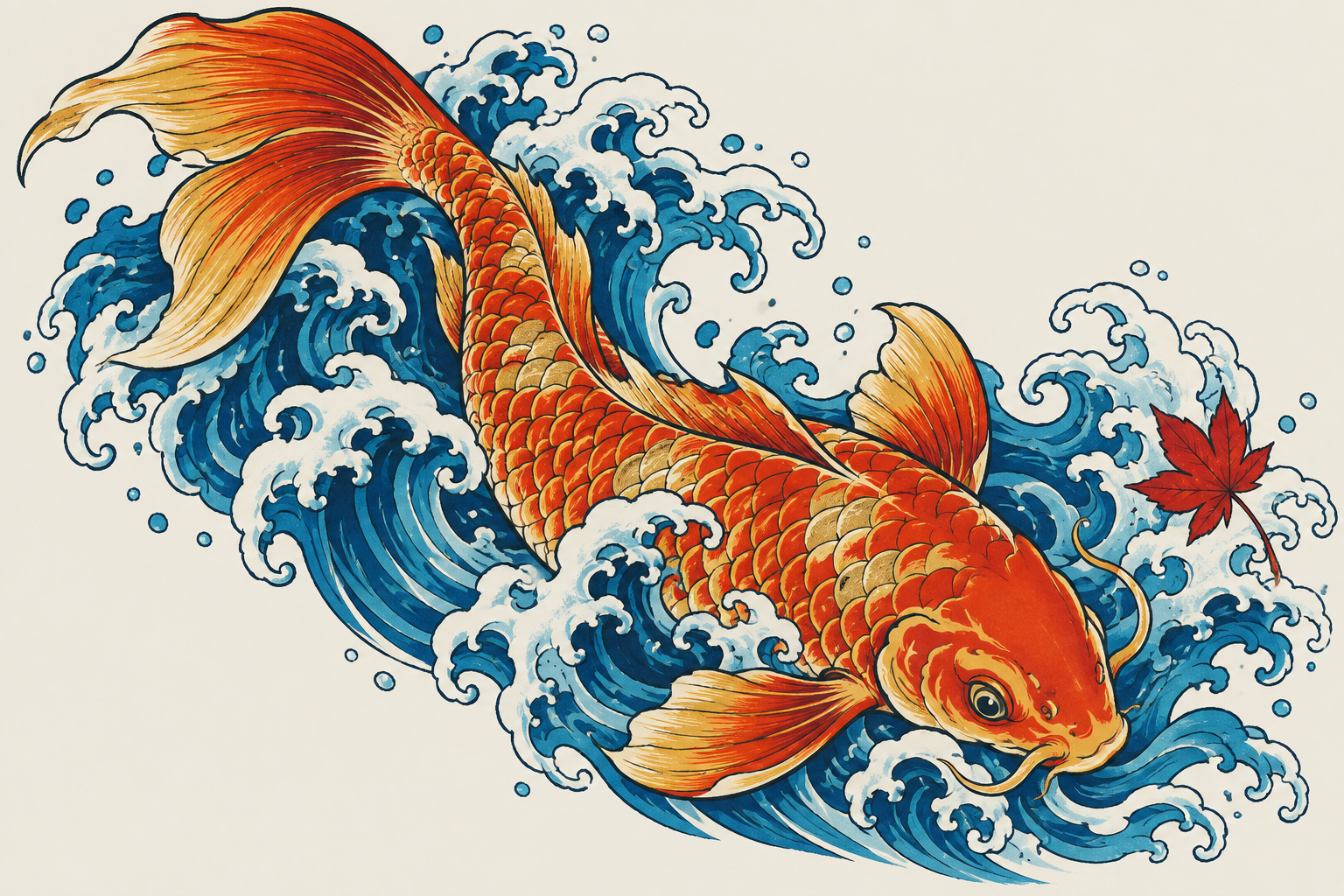
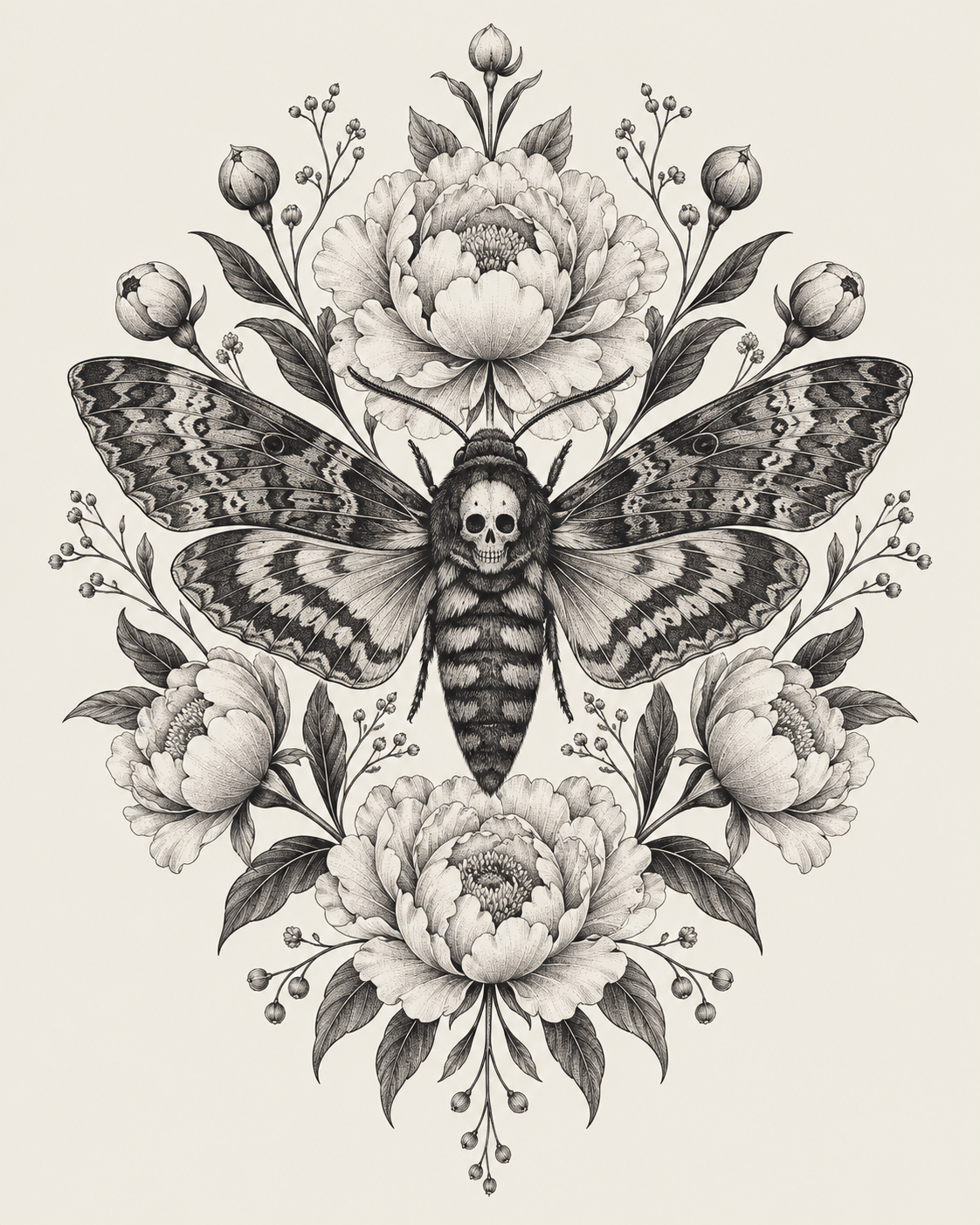
From bold colour to the finest line.
Original illustrative artwork.
The creative process does not end with a good image. Tattoo Panda connects your brief, design versions, stencils and print files, so the work you approve is the work you carry into the session.
Design, refine, prepare and print—all in one studio.
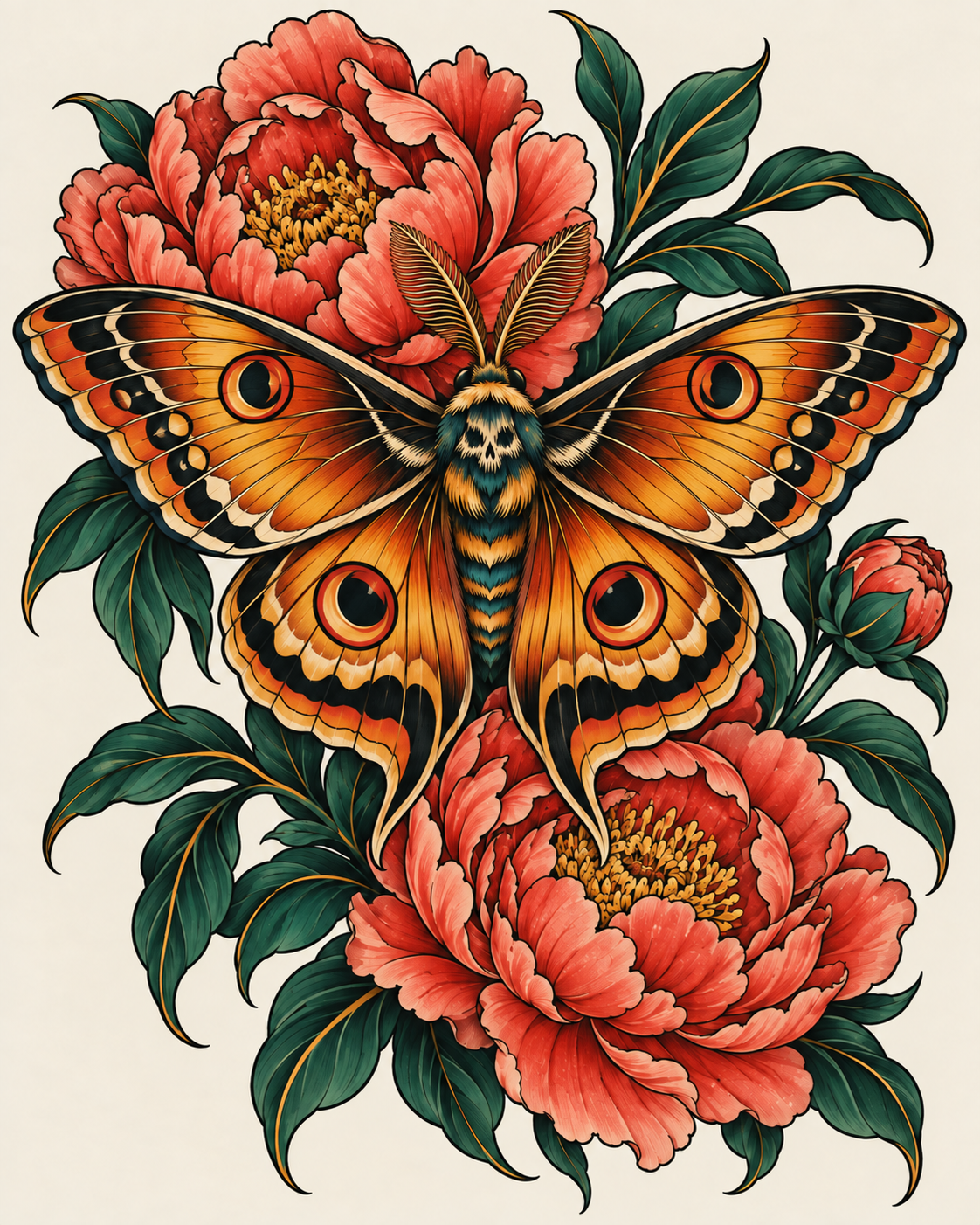 MOTH & PEONIES
Create from a brief, or import your own artwork or a design a client sent you. Refine it if you want to—or go straight to preparing a stencil. Create life-like body placement to preview your art.
“An amber-winged moth with coral peonies and deep green leaves. Bold outlines, rich colour and open wings.”
This is an interactive walkthrough. No images can be generated here.
Go from the design you love to the linework you need. Prepare a stencil from any design version—including artwork you brought with you—then compare it with the source and refine it in words.
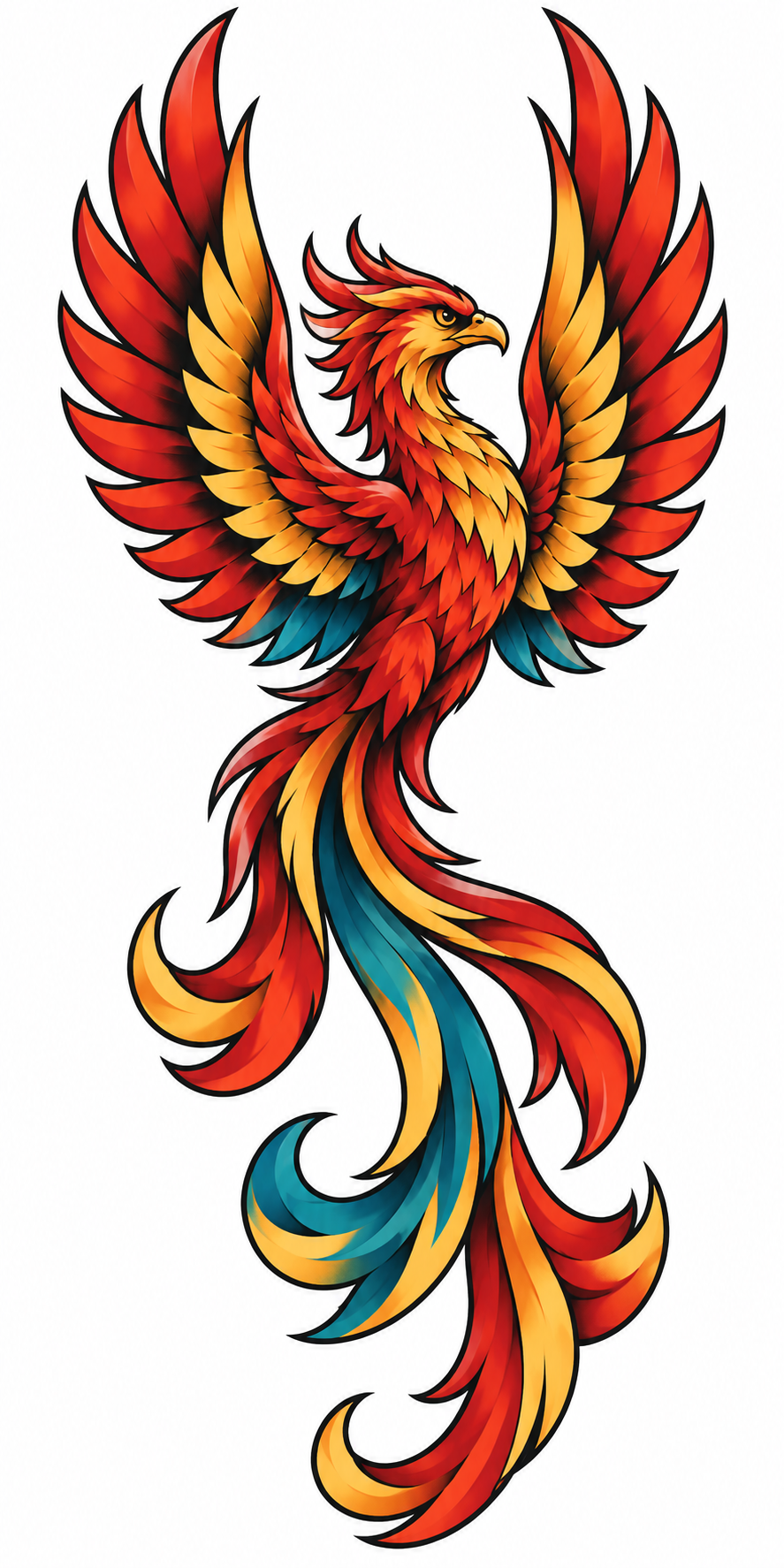
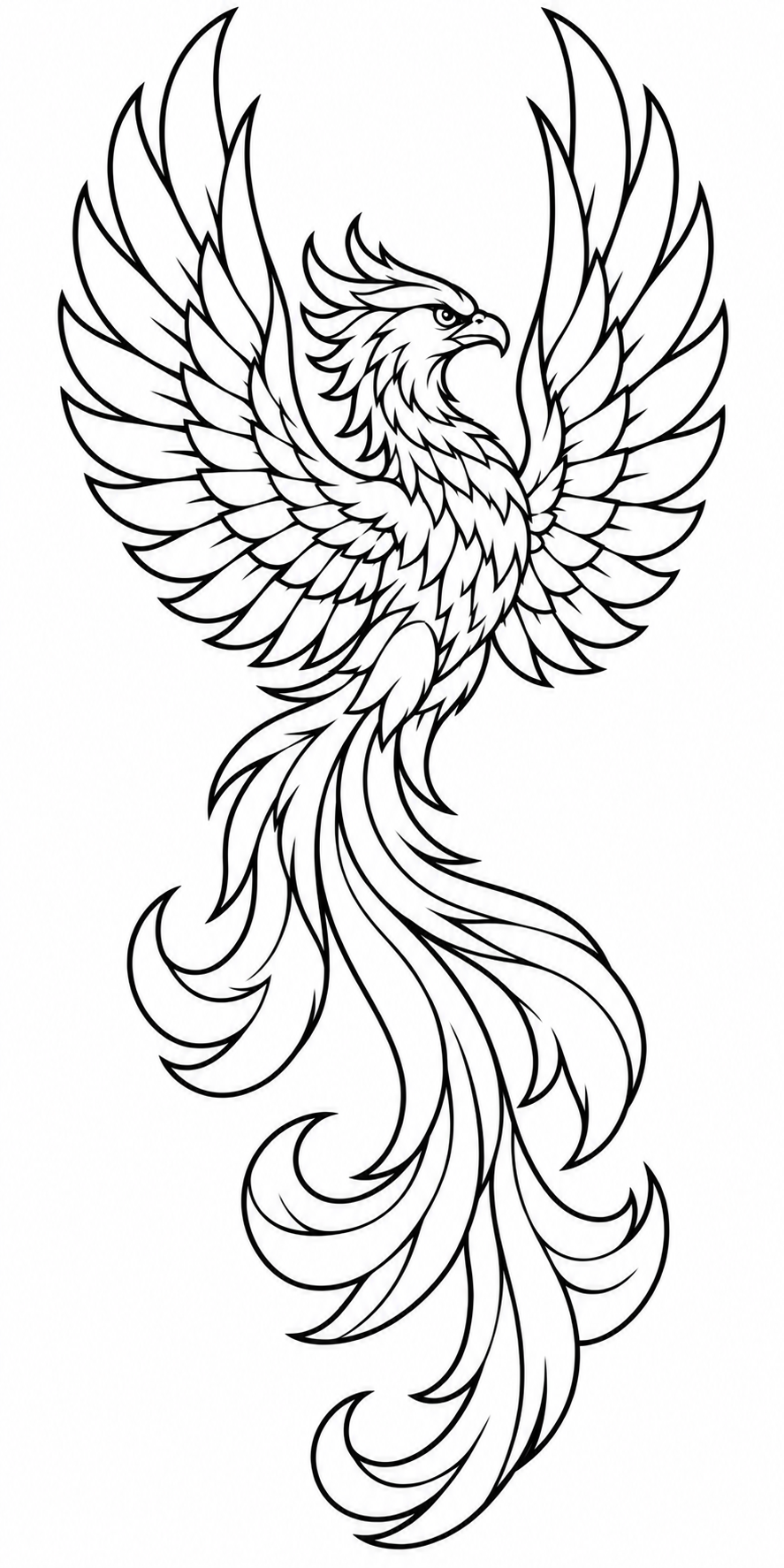
Tattoo Panda guides you through calibrating your design or stencil against a real-world reference, then automatically calculates its exact dimensions in millimetres. Those dimensions carry straight into your print file—no manual sizing calculations.
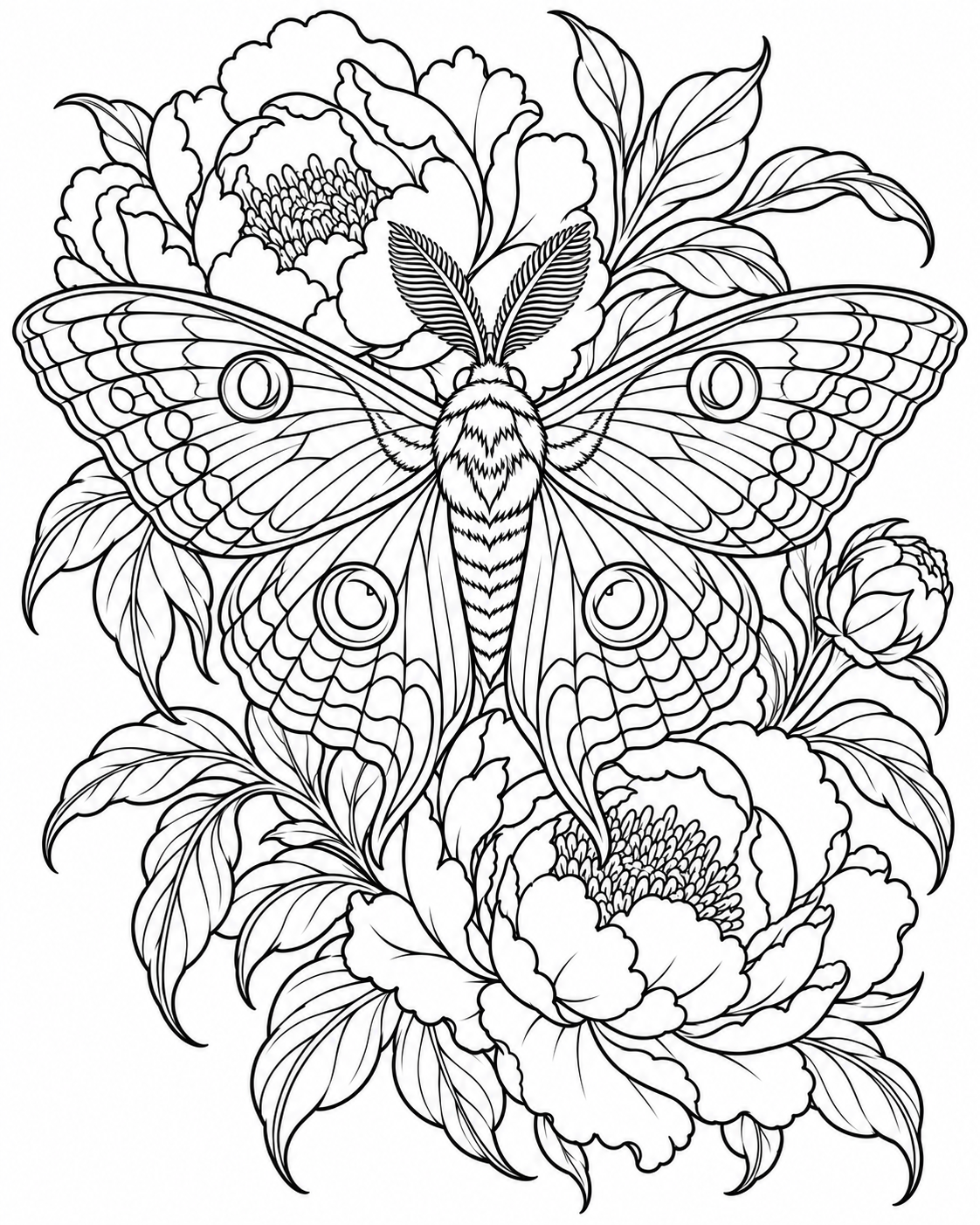
Print at actual size (100%), not fit-to-page. Check the calibration marks before transfer.
Tattoo Panda supports all tattoo styles. Work in one style, mix influences or bring something entirely your own.
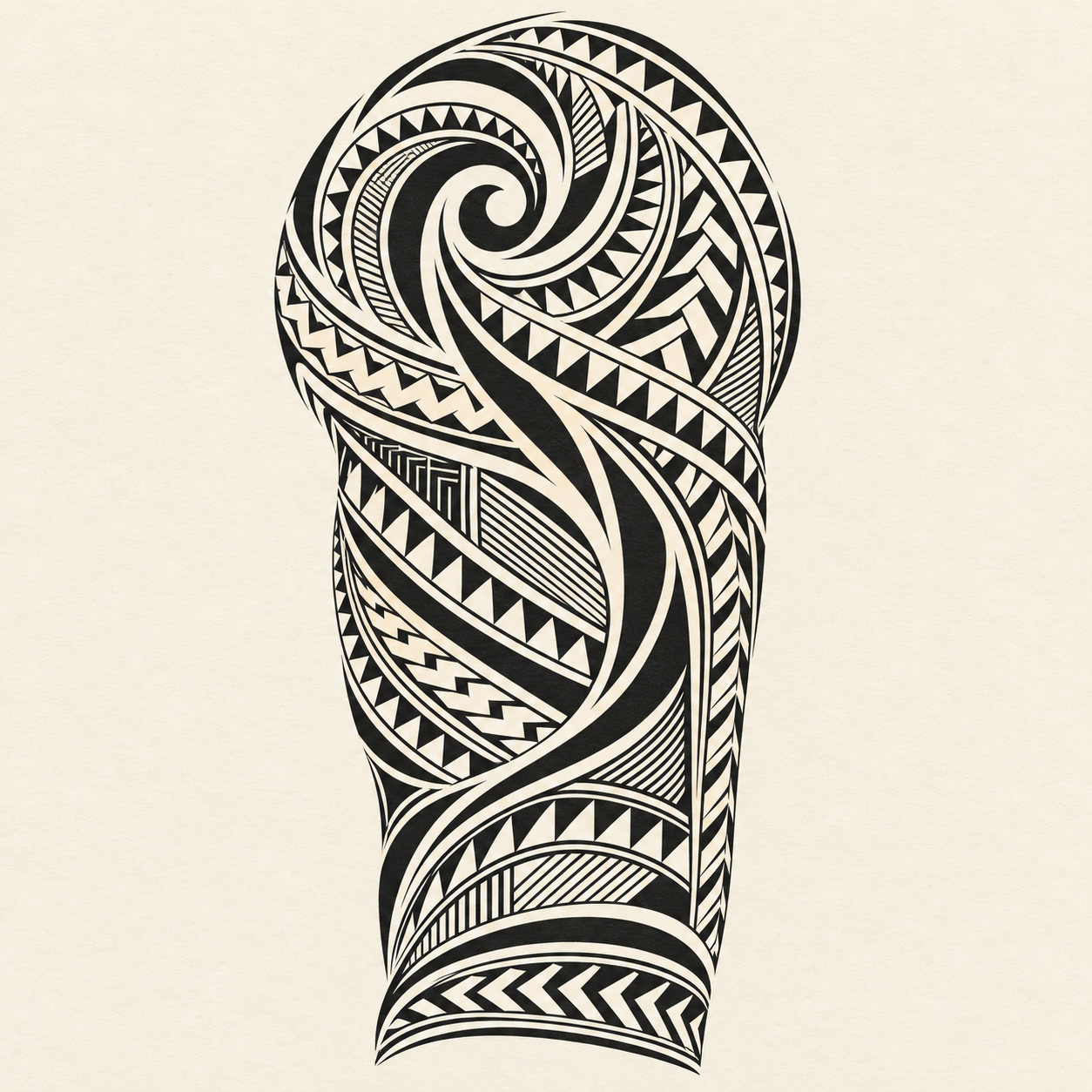
Explore striking blackwork, rhythmic patterns and considered negative space. Bring your references and the meaning behind the design, then shape the composition in your own words.
“Open up the negative space and let the outer lines flow further down the arm.”
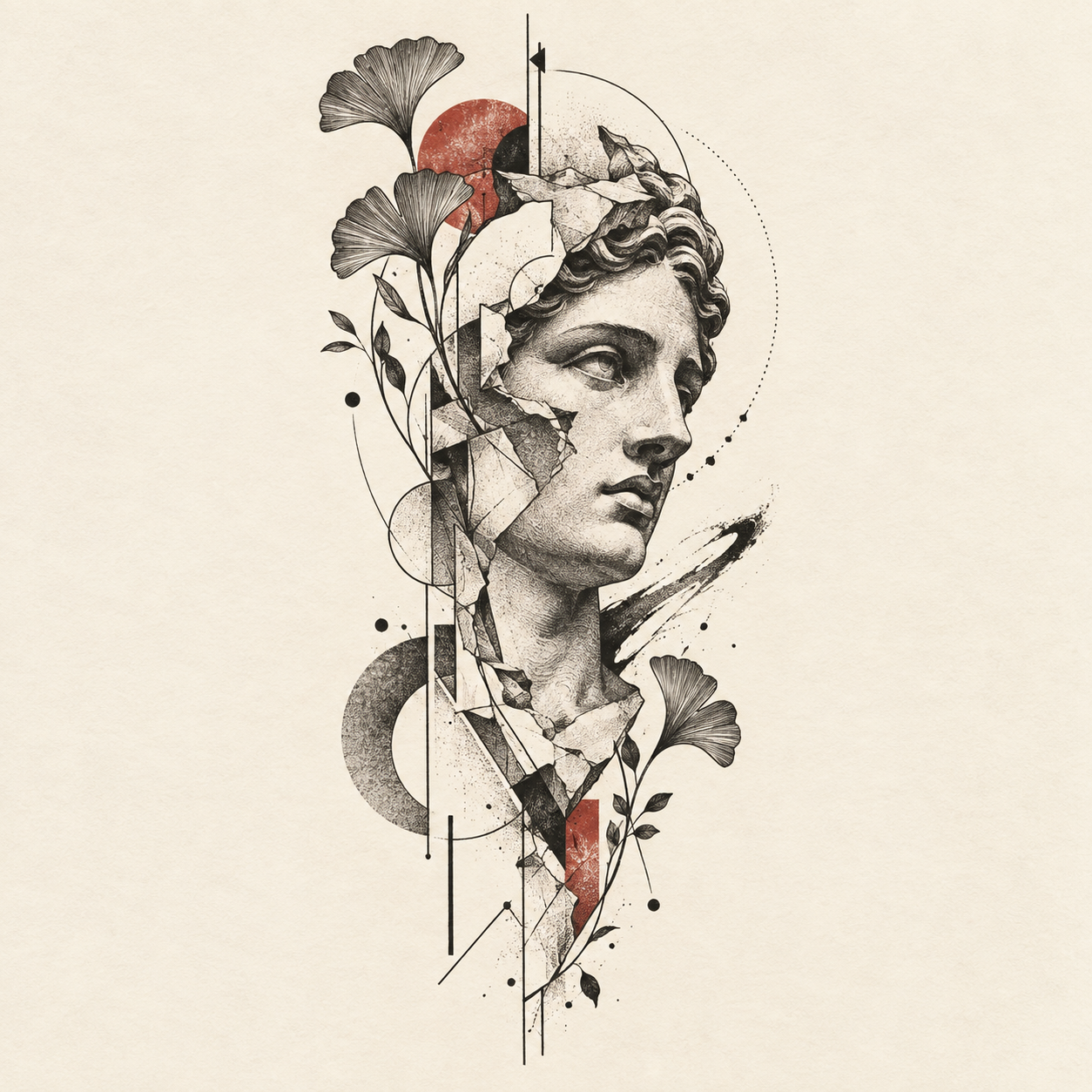
Play with gesture, colour and unexpected forms. Move between loose, expressive marks and precise geometry, refining the balance until the piece feels like yours.
“Keep the eye and cheek recognisable. Break up the outer lines and give the leaves more breathing room.”
Build a world around a subject, from delicate botanicals to bold characters. Explore linework, shading and colour while keeping the details that make the design recognisable.
“Keep the moth as the focal point. Simplify the leaves and make the peonies a warmer coral.”
Less redrawing from scratch. Describe what should change and keep building on the design in front of you.
Explore a different direction without losing the original. Compare, revisit and pick the version that feels right.
Client briefs, references, designs and stencils stay together. Pick up where you left off, not where you last saved a file.
Your own artwork or a design a client sent you. Import the image, refine only if needed, then prepare a stencil and print. You do not have to generate a design to use Tattoo Panda.
Yes. Bring your own design, choose the version you want to work from and prepare a stencil. Tattoo Panda guides you through calibration and automatically calculates the dimensions for your print file. Export it and keep the setup for repeat prints. You do not need to generate a new design first.
Tattoo Panda calculates the artwork dimensions from your calibration and handles printing at that size. Choose your paper and print—there is no need to enter dimensions or manually scale the artwork. Your saved setup keeps repeat prints consistent.
No. You bring the taste, experience and final judgement. Tattoo Panda helps you explore and refine, but you decide what belongs on skin. Every Tattoo Panda result is reviewable.
Yes. Import a design image into a project, then use the same refinement and stencil workflow. Reference images can stay separate from the artwork you intend to tattoo.
No. Each refinement creates a new version. You can go back to an earlier version or fork it into a different design direction.
Tattoo Panda is in closed beta, with available slots for 200 artists. We're actively refining and improving the product from feedback from real artists working on real art for real clients.
Turn your ideas and artwork into stencils ready to print.
Upgrade my studio Join our closed beta, help shape the product and win prizes. 200 available slots only.